Noon image guidelines for sellers
By Tasweer studio team · Last updated · 7 min read
TL;DR
- Noon images must be JPEG, at least 660 pixels wide, 72 PPI or more, under 10 MB and in RGB or sRGB.
- The primary image is a front view on a pure white background, except fashion, where light grey is recommended.
- No packaging, tags, logos, watermarks, prices, borders or hard shadows on the primary image.
- Noon recommends at least 3 images, ordered front, back, side, other angles, details, usage.
- Noon's page does not state a maximum image count; we recommend 6 to 8 per product.
Noon product images must be JPEG files at least 660 pixels wide, 72 PPI or more, under 10 MB and in RGB or sRGB, according to Noon's seller help centre. The primary image is a front view on pure white (light grey for fashion), with no packaging, logos or prices. Our Dubai studio shoots Noon-ready images from AED 1,800 for up to 20 products, delivered in 3 days on Signature.
What are Noon's image requirements?
Noon asks for JPEG images at least 660 pixels wide, with a width-to-height ratio of at least 0.5, 72 PPI or higher, a maximum of 10 MB and RGB or sRGB colour. These are the technical rules from Noon's own seller help centre.
| Spec | Noon requirement | What we deliver |
|---|---|---|
| File type | JPEG or JPG only | JPEG |
| Width | At least 660 px | 2,000 px or more on the longest side |
| Aspect ratio | Width divided by height at least 0.5 | Square or your category's template ratio |
| Resolution | 72 PPI or more | Meets it |
| File size | Under 10 MB | Typically well under |
| Colour | RGB or sRGB | sRGB |
| Margins | 10% top and bottom for vertical shots; 5% each side for horizontal shots | Framed to template |
| Product coverage (alternate images) | At least 70 to 80% of the frame | Framed to spec |
Two notes. First, 72 PPI is a density figure, not a pixel size; what matters for zoom is pixel dimensions, so deliver large files. Second, some third-party guides quote other numbers, such as a 1,000-pixel minimum; we could not find those on Noon's own pages, so we treat them as best practice, not rules.
What are the rules for the primary image on Noon?
The primary image must be a front view of the product, outside its packaging, on a pure white background (light grey for fashion), with light shadows only. It is the first image shoppers see and the one Noon's quality check looks at most closely.
- Front view only. Multiple views of one product belong in alternate images.
- No packaging. Boxes, bags, cases and brand or swing tags should not appear.
- Full bundles. If you sell a bundle, show the whole bundle.
- Light shadows only. Hard shadows and hard reflections are not accepted.
- No lifestyle images as the primary image, though they are welcome as alternates.
- Smartphones and tablets should show a combined front and back view.
What about fashion and kids' clothing on Noon?
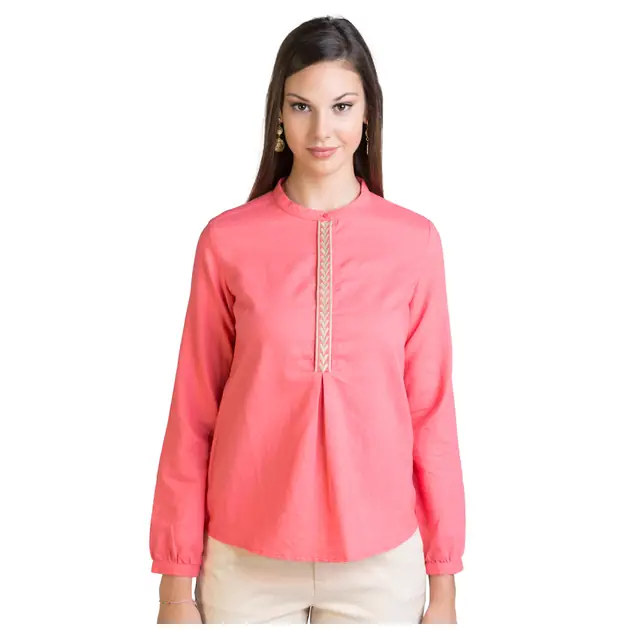
Noon recommends a light grey background for fashion primary images, model shots for adult apparel and flat-lay or hanger shots for kids' apparel. This is different from Amazon.ae, where pure white is the main image rule across categories.
| Category | Noon's recommendation |
|---|---|
| Adult apparel | Shot on models rather than flat-lay or hangers |
| Swimwear and underwear | Exception to the on-model recommendation |
| Kids' apparel | Flat-lay or on hangers |
| Background (fashion) | Light grey recommended |
For abaya and modest fashion labels selling on Noon and Namshi, this usually means an on-model set for adult ranges. If you also need marketplace-neutral packshots for Amazon.ae, our guide to ghost mannequin vs flat-lay vs on-model explains how to cover both in one shoot.
What order should Noon product images go in?
Noon's standard sequence is front view, back view, side view, other angles, details, then usage. Uploading images in a different order is listed as a rejection reason, "incorrect sequencing".
- Front view (primary).
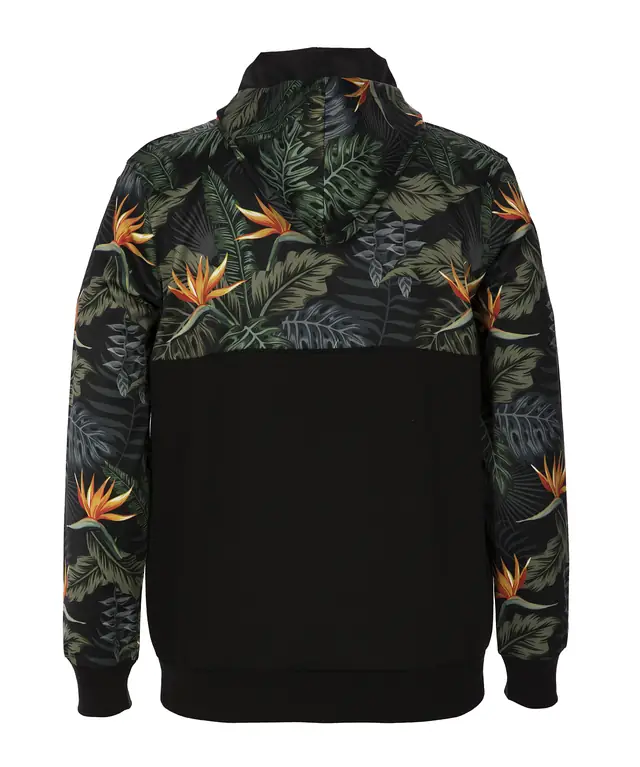
- Back view.
- Side view.
- Any other angles.
- Details, such as texture, fabric or ports.
- Usage or lifestyle.
Noon recommends uploading at least 3 high-quality images showing different angles, sizes, and textures or fabrics. Its requirements page does not state a maximum number of images, and we could not verify one elsewhere on Noon's own help pages, so check the image columns in your category's upload template. In our experience, 6 to 8 images covers the sequence above without repetition. Our guide on how many images a product listing needs compares counts across marketplaces.
Why does Noon reject product images?
Noon's most common rejection reasons are packaging in the primary image, cropped products, low resolution, duplicates, unclear backgrounds and added elements such as watermarks, prices or borders.
| Rejection reason | What it means | How to avoid it |
|---|---|---|
| Need product image without packaging | Box, bag or tags visible | Shoot the product unboxed |
| Cropped or half image | Part of the product missing | Show the whole item; put close-ups in alternates |
| Low resolution | Blurry, pixelated or stretched | Shoot at full resolution, never upscale |
| Duplicate images | Same image uploaded twice | One unique image per slot |
| Conflicting images | Image does not match the product sold | Shoot the exact variant listed |
| Needs editing | Unclear background, border, price, expiry date, watermark, hard shadow | Clean white or grey background, no overlays |
| Broken image | Bad file name, expired URL or oversized file | Check links and file size before upload |
| Incorrect sequencing | Primary is not a front view | Follow the front, back, side order |
Noon also says images must match the title and description, must be photographs rather than CAD drawings or illustrations, and must not show accessories that are not included. Placeholder images such as "Image coming soon" are not allowed.
How do you get Noon-ready images in Dubai?
Book a shoot that exports straight to Noon's template, so you do not resize or re-edit anything yourself. Our ecommerce photography starts at AED 1,800 for up to 20 products, and Signature at AED 3,200 covers up to 40 products on white and styled backgrounds, plus free pickup and return across Dubai. Prices exclude 5% VAT; Signature is delivered in 3 days, Heirloom in 2, with a 48-hour rush available.
We export one set for Noon (with light grey for fashion where you want it) and one for Amazon.ae from the same shoot. Read the Amazon.ae image requirements if you sell on both, or send one photo for a free edit to see the result first.
Noon updates its guidelines from time to time. This guide reflects Noon's seller help centre as we read it on 21 October 2026.
Frequently asked questions
What size should Noon product images be?
Noon's help centre says image width should be at least 660 pixels, with a width-to-height ratio of at least 0.5, a resolution of 72 PPI or more and a maximum file size of 10 MB. In practice, larger images zoom better, so we deliver at 2,000 pixels or more on the longest side.
Does Noon need a white background?
Yes, for the primary image in all categories except fashion, where Noon recommends a light grey background. Alternate images can include lifestyle shots.
Can I upload PNG files to Noon?
Noon's help centre says images must be JPEG or JPG only, so convert PNG files before uploading.
How many images can I upload on Noon?
Noon recommends a minimum of 3 high-quality images. Its image requirements page does not state a maximum, so check the upload template for your category. We recommend 6 to 8 images per product.
Can I add text or logos to Noon images?
Not on the primary image. Noon does not allow logos, watermarks, seller names, prices or warranty information. Inoffensive text on alternate images is acceptable.
Are Noon and Amazon.ae image rules the same?
They are similar but not identical. Both want a clean white main image, but Noon recommends light grey for fashion, asks for JPEG only and specifies margins rather than Amazon's 85% fill.
Sources
- noon Seller Help Center: Image requirements and rejection reasons for the seller SKU
- noon Partners Help: Picture requirements and rejection reasons for the seller SKU
Marketplace rules and regulations change. We review this guide regularly; check the source before you rely on a detail.
Related services